Learn iPhone basics fast: iOS navigation, gestures, core apps, and essential settings. Perfect for new or self-taught users who want everyday confidence.
After taking this course you will be able to:
-
Navigate your iPhone confidently using taps, swipes, and common gestures
-
Understand and use essential built-in apps for everyday tasks
-
Adjust key iPhone settings to personalize and simplify daily use
-
Recognize how iOS is organized so features are easier to find
-
Use your iPhone comfortably without guessing or frustration
What You’ll Learn:
-
How to navigate your iPhone using taps and gestures
-
How to use essential built-in apps
-
How to adjust key settings for everyday use
-
How to feel confident using your iPhone
iPhone 1: Apple Essentials Class Description
New to your iPhone or want to feel more confident using it every day? This class covers the essential skills you need to comfortably use your iPhone. You’ll learn how to navigate iOS, understand common gestures, use core apps, and adjust important settings. By the end of the session, your iPhone will feel familiar, approachable, and easier to use.
OWL-Fred recommends this class if:
You’re new to the iPhone or want to stop guessing and start using it with confidence.
Next step:
Once you’re comfortable with the basics, iPhone 2: Productivity & Power Tips helps your iPhone work smarter for you.
Evergreen Access (Made to Stay Current)
.png?lmsauth=ec61da51ac915f4e143b2783b9e9458ddb8f7401)
Your purchase is designed to stay useful long after you finish the course. As the software changes, we refresh the content so you’re not learning from outdated screens. You’ll also have access to the class discussion/Q&A so you can ask questions when real-life situations pop up. And because it’s lifetime access, you can revisit the videos, handouts, and materials anytime you need a quick refresher.
Live Session + Replay Included
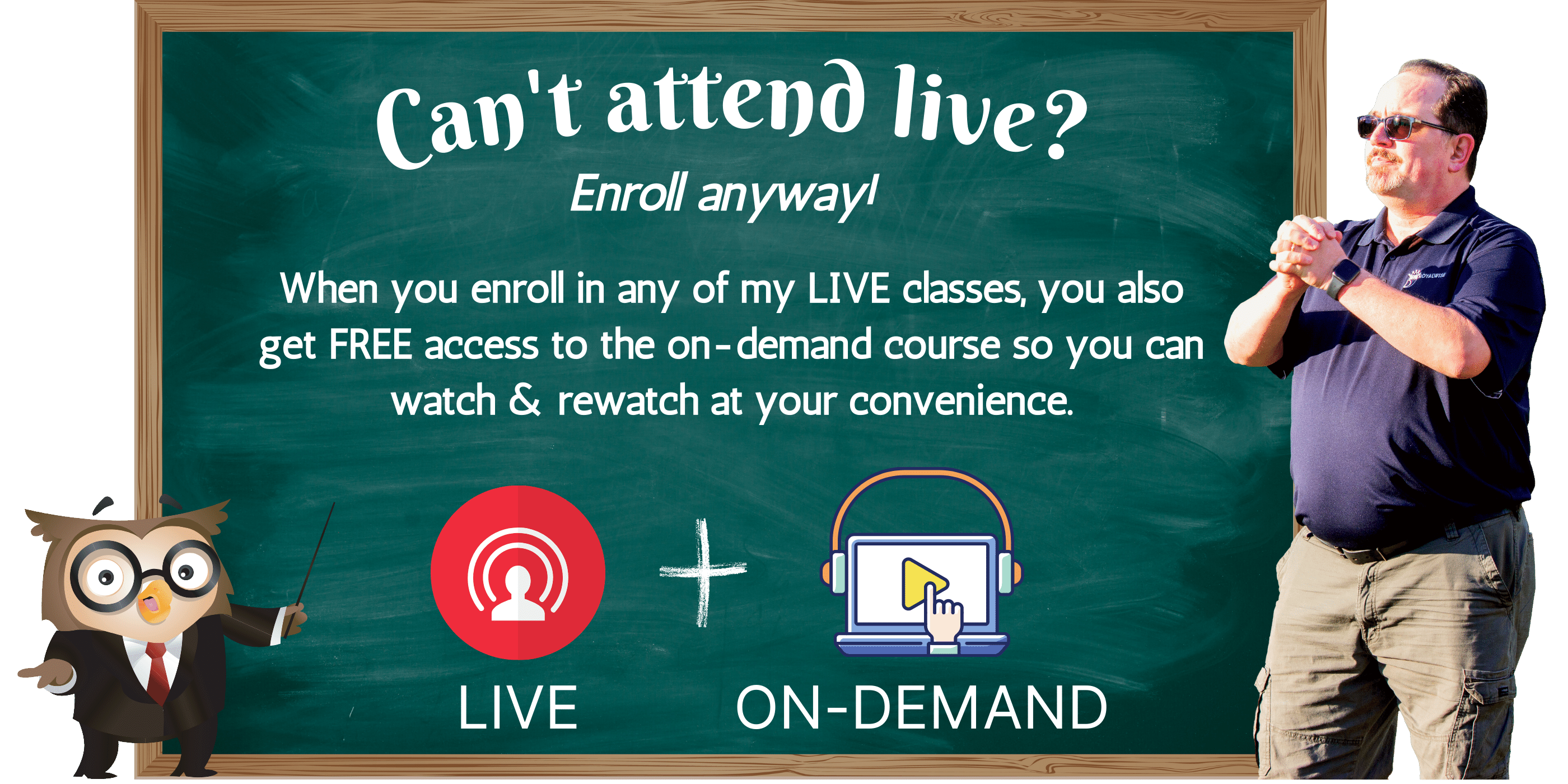
If you can’t attend at the scheduled time, go ahead and enroll—your live registration includes free access to the on-demand replay. We record every live class and post an edited version to the course page within two weeks of the class date. Once it’s available, you’ll receive a notification inside your OWLS portal.
While the replay is being published, you can download the notes/handouts and complete any quizzes or questionnaires so you’re ready to follow along when you watch.
(3).png?lmsauth=d7b2e18ba8c1dcf4ca54952556728a165fa931f6)
Bundle & save!
Grab the iPhone training path bundle & get the most out of your Apple smartphone! With this 3-part Mac iPhone series for beginners, you’ll gain the skills & confidence to use your device like an expert. Act now & save 25% by purchasing all three courses as a bundle for just $168.
Don’t miss this chance to upgrade your iPhone skills. Grab this special offer now & start your journey toward Mac mastery today!
Why pay separately when you can save 25% by bundling? Buy all three together for $168!
THAT'S A SAVINGS OF $42!
Refunds & Cancellations
Please view our Terms of Service, for information on refunds, cancellations, and complaint resolution. To request a refund, please contact us.
Next Course Update: June 2026
Course Page Updated: June 2026
Here is the course outline:
1. Download the HandoutDownload the handout that goes with the course. 1 section
|
|
|
2. Watch the Videos: iPhone 1 Apple Essentials (2026)Learn iPhone basics fast: iOS navigation, gestures, core apps, and essential settings. Perfect for new or self-taught users who want everyday confidence. 10 sections
|
||||||||||
|
3. iPhone / iPad Basics: Focus on Foundations (2023)Apple's iPhone & iPad are versatile & highly sophisticated, but can be intimidating to use if you don't know the basics. Build a solid foundation of knowledge by taking this class. 25 sections
|
|||||||||||||||||||||||||
|
4. Watch the Videos of iPhone/iPad: All the Basics in iOS 2022Apple's mobile devices are versatile & sophisticated. This class will help you master the basics of your Apple iPhone and iPad in minutes. Watch and rewatch it until it all makes sense! 11 sections
|
|||||||||||
|
5. Take the Participation QuizTake this quiz to demonstrate your mastery of the material. Pass the quiz with an 80% or higher to complete the Course, earn your Certificate, and win points! 1 section
|
|
|